If you want to record cost or income in the financial menu, you first need to create them in the settings.
Go to the Settings and then to Financial - Cost /income.
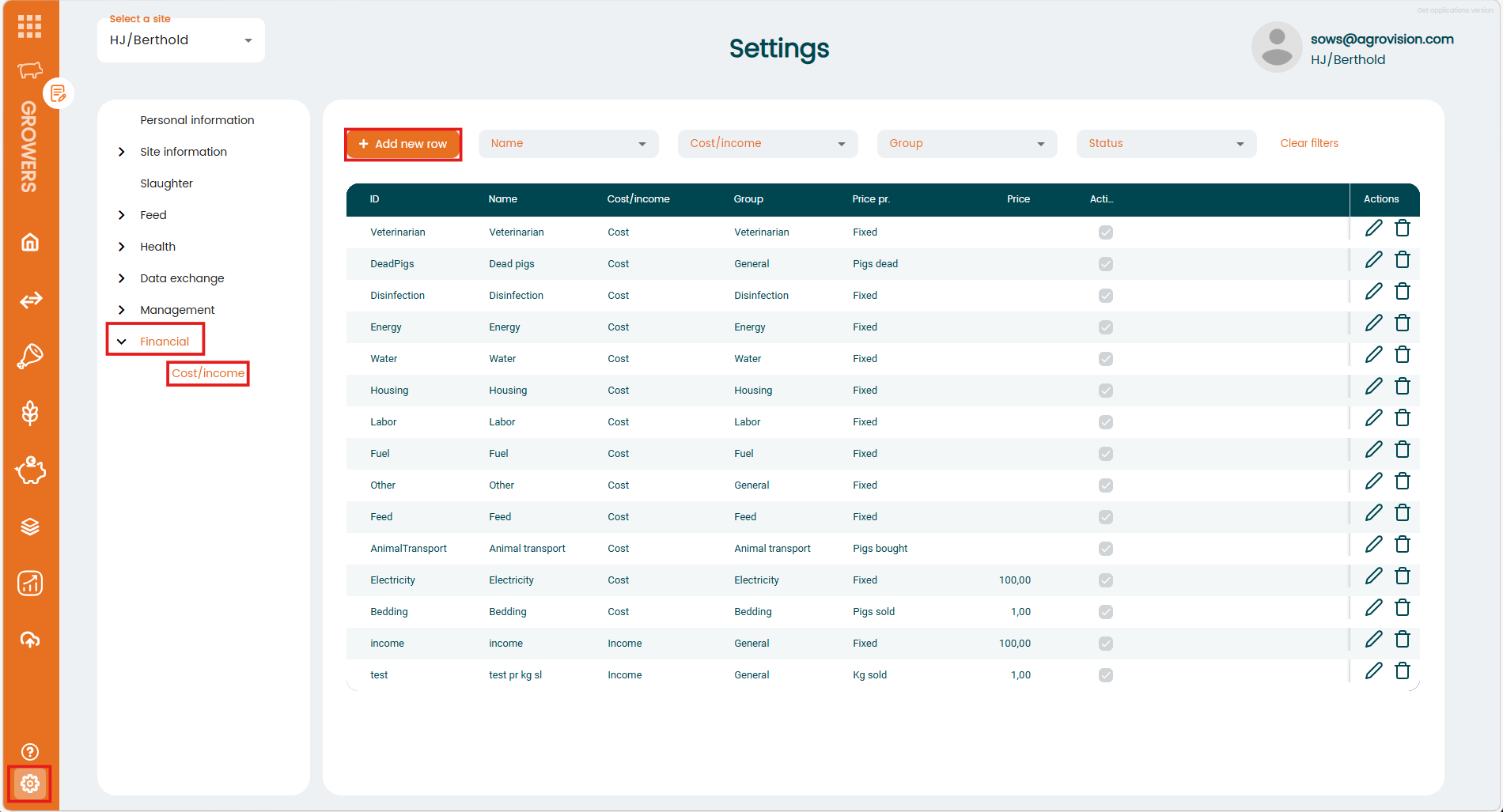
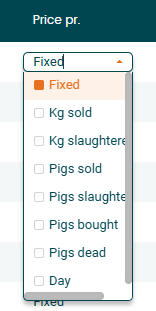
Here you can add new items by clicking on the "+Add new row" button. Choose an ID and Name and select if its a cost or an income. In this example we created a new cost for renting a barn. Choose a group that fits your entry and select one of the options under "Price pr.". Enter a Price, set the checkmark for "Active" and save the entry.

Now its available in the Financial menu and can be used.
Was this article helpful?
That’s Great!
Thank you for your feedback
Sorry! We couldn't be helpful
Thank you for your feedback
Feedback sent
We appreciate your effort and will try to fix the article